 AI Essay

On this page
Free browser evidence-mapping tool
Connect draft claims to the evidence you checked
Add one claim per row. Record the source passage, an exact locator and the limitation or question you still need to check.
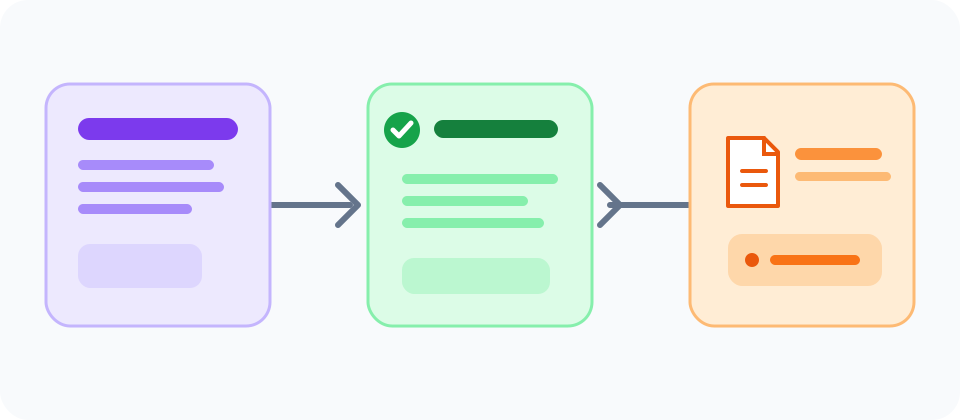
View the claim-to-source workflow
Your entries stay in this tab. Export a .csv file to keep a copy; this page does not upload or save your notes.
| Draft claim | Evidence you inspected | Source | Page or passage locator | Limits or next check | Your review status | Row actions |
|---|
One blank row is ready.
Map each claim to a source passage
Add one substantive factual or interpretive claim per row. Copy or summarize the relevant evidence in your own review record, identify the source and a page, section, table or paragraph locator, then describe a limitation or open question. Use the status menu to record your own next step; the tool does not judge whether evidence is adequate.
The record is useful when a sentence depends on a source and you want to see which source you actually inspected. It does not replace a citation in the paper, a reference list, or a complete reading of the source.
A claim map is different from a literature review matrix
A literature matrix commonly compares studies or sources across shared topics, methods, findings and limitations. This smaller map starts with sentences in your draft and asks where the support for each one can be recovered. Use both when they answer different questions: compare a body of research in the literature matrix, then trace the claims in your own draft here.
Keep linked claims visible. If several sentences draw on one source, record the boundaries of the passage and make the citation scope clear in your prose. George Mason University’s writing guidance explains how signal phrases and citations show readers where source ideas begin and end.
Supporting reading: [1]
Review the source and the reasoning
Open the source rather than relying only on a search snippet or a generated summary. Check author, purpose, context and currency for your topic; Purdue OWL recommends evaluating these features and the evidence behind a source. Then compare the passage with your sentence: do the population, setting, method, outcome and timeframe match? Explain in your own words why the evidence supports the claim, or narrow, replace or remove the claim when it does not.
A filled row does not prove that a source is credible or that an inference is sound. A status such as “support checked” is your own record of a step performed, not an automated score or independent validation.
Keep and export your evidence map
Rows remain in the current browser tab and are not uploaded or stored by this page. Export the table as a .csv file if you want to keep working later; treat the downloaded file as a document that may contain sensitive research notes. Clear the table when you finish on a shared device. Formula-like cells in the export are prefixed with a tab to reduce spreadsheet formula execution risk. The tab remains in the underlying data and can affect later programmatic imports.
Questions about this topic
What is a claim and evidence matrix?
It is a working table that connects a draft claim to the evidence, source and locator you inspected, alongside limitations and a review status. This version records your decisions; it does not evaluate sources or claims automatically.
Is this the same as a literature review matrix?
No. A literature review matrix compares sources or studies across topics and methods. This claim map starts from your draft and tracks which inspected passage supports each individual claim.
Does a completed row prove that my claim is supported?
No. It shows only what you recorded. Read the original source, check the relevant passage and explain the reasoning. The selected status is not a quality rating.
Is my draft uploaded or saved?
No. The rows stay in this browser tab until you export them. The page does not upload them or save them to browser storage.
Can I submit this table as my paper citations?
No. Use it as a private planning and review record. Add citations and references in the format required by your assignment, and make the source boundaries clear in the paper.
Sources and editorial notes
The supporting reading below informs our editorial guidance. Exercises and scenarios illustrate a method; they do not report a completed product test or measured learning outcome. Read our editorial policy or send a correction with a supporting source to info@ai-essay.com.