On this page
What Glasp does
Glasp combines passage highlighting, notes, a social reading library and AI summaries or questions. The useful academic handoff is from an exact passage to your own explanation, with a way to return to the source. This profile separates the highlighter, Reader and YouTube Summary extension, and examines the documented sharing, processing and export limits rather than reporting a product benchmark.
Where it fits, and where it falls short
Useful strengths
- A selected passage can remain associated with a source and your attached note instead of becoming an unattributed quotation in a separate document.
- Video transcript highlights can retain timestamps for returning to the moment being discussed.
- Documented exports provide a route into an existing note-taking workflow rather than requiring all drafting to stay in Glasp.
Limits to consider
- Public highlights are the default for web pages; uploaded PDF highlights have a separately documented private default.
- A highlight library contains selected fragments, not every qualification in every source you read.
- Firefox PDF support depends on the extension and document-viewing route; AI processing differs between Glasp-operated features and a new tab in your own AI account.
A suggested Glasp workflow

- 1
Choose material you may use, inspect the relevant visibility controls and retain the original source separately.
- 2
Highlight a claim together with its important qualification, then add your own interpretation and a recoverable locator.
- 3
Use a summary or focused question to identify what needs checking; inspect the passage or video before accepting the explanation.
- 4
Export a small reading record and inspect its source details, notes and locators before using it in your essay or study notes.
Choose the highlighter, Reader or summary route for the actual task
The web highlighter is for selecting text and attaching notes as you read. Glasp Reader is a separate page with entry points for web pages, YouTube, audio and PDF uploads. The YouTube Summary extension adds transcript, summary and chat controls around a video, and also supports article and PDF tasks. Similar branding does not mean every surface uses the same input, model route or allowance.
For an assigned article, keep quotation and interpretation distinct: the highlighted words belong to the author, while your attached note explains why they matter to your question. For a lecture video, preserve the relevant timestamp and verify the spoken context. A generated account of either source is another layer to inspect, rather than a replacement for your notes or the original.
Choose a dedicated paper-discovery workflow when the missing step is finding scholarly literature. Choose a source notebook when the immediate task is discussing a selected reading collection. Glasp’s more specific fit is passage capture, revisiting and movement into your existing notes. Those are workflow distinctions, not evidence that one product produces better learning outcomes.
Keep PDF passages and page locations separate from AI interpretations
Glasp documents PDF highlights with page information and notes, and says an original local PDF need not be uploaded merely to highlight it. That is different from uploading a document to the library for cross-device reading or AI questions. Highlights can still sync through the account; the local-original description is not a promise that every annotation remains only on your computer.
The PDF chat guide describes a conversation attached to each document, with highlighted passages supplied as additional context and answers pointing to pages. Follow those pointers into the original and inspect the surrounding paragraph, table or figure. A page reference can locate a real passage while the accompanying interpretation still reaches beyond it.
The YouTube Summary page excludes PDF chat in Firefox’s native PDF viewer, while the separate PDF Chat page points to the Glasp Web Highlighter add-on for Firefox. These are different extensions, rather than proof of contradictory behavior in the same add-on. Check the exact extension and document view with a permitted sample; a general browser listing does not establish identical PDF chat behavior. We have not installed or tested either route.
Separate a transcript, a one-page answer and a whole-library question
The YouTube Summary documentation distinguishes a basic route that places a transcript and prompt in an AI assistant opened in a new tab from an advanced summary written beside the video and saved in Glasp. The page also describes transcript highlighting and timestamp-linked chat. A caption transcript can contain errors or omit something shown visually; check decisive wording and demonstrations in the recording.
Chat with Highlights is documented as a question across saved passages and notes, rather than one complete PDF. That creates a selection boundary: material you never saved may contain the exception your answer needs. Treat its links to highlights as recovery aids and return to the full source before generalizing across readings. A crowd’s interest in a passage is not a check of the passage’s truth.
If you publish a Glasp AI clone, the product page says others can question that published reading collection and that private highlights stay excluded. This is distinct from keeping a private reading record. Inspect the actual publication and audience controls before treating a shared clone as merely another view of your personal notes.
Inspect the exported reading record before drafting from it
Glasp documents copying page highlights with metadata and exporting to note-taking workflows, including file formats such as Markdown, HTML, CSV, plain text and JSON. PDF text copying also has a distinct Markdown, XML or plain-text route. A list of supported formats does not demonstrate that every field, page reference or visual annotation survives in the format you choose.
Try a small handoff before moving a larger library: one quotation, one qualification, your own note and the source location. Open the result in the destination you actually use. Check which words are the author’s, which are yours, whether the source opens and whether the locator is useful. This is a suggested inspection, not a completed export test.
Source metadata is working material for a reference, not a certified citation in the style your course requires. Check authorship, title, publication details and the exact work used. Keep unresolved details visible in an annotated bibliography or evidence matrix instead of allowing a clean-looking export to conceal a missing reference.
Public visibility and AI data use are separate questions
Current pricing and visibility guidance make private highlights available on Free as well as paid plans. Web highlights still start public unless settings change; the PDF page separately describes uploaded-PDF highlights as private by default. The visibility guide distinguishes changing existing highlights in bulk from choosing private domains for subsequent reading. Check the actual page and account state rather than assuming one setting describes every import or surface.
The privacy policy distinguishes Glasp-operated AI features, which send relevant content to contracted providers, from the extension opening your chosen AI website under your own account. That second route follows that account’s consumer terms and settings. The policy also permits using service content for Glasp’s own model development and training. A statement about not training public models is not a blanket exclusion of all AI development.
The terms grant Glasp content-use rights and distinguish public access from private content. The privacy policy separately says deleting an item may hide it while retaining a limited record; account deletion has exceptions. Neither a private visibility setting nor the disappearance of a saved item establishes zero retention. Use the applicable terms and institutional permissions for unpublished or restricted material. The terms also require users to represent they are at least 18; a student label does not establish access for a younger learner.
A proposed exercise: keep the qualification with the highlighted claim
This is original fictional practice material, not a study, student result or output obtained from Glasp: “During one optional workshop, six participants said the demonstration helped them explain a term; no comparison group or later assessment was recorded.” Keep the whole sentence available even if you initially highlight only the reported benefit.
Write a note that distinguishes what participants said from what the exercise did not measure. Reject the hypothetical conclusion that the workshop proved lasting mastery: neither a comparison nor later assessment is supplied. If you ask an allowed assistant to explain the passage, compare its answer with those limits before retaining it. The exercise does not establish whether Glasp would make or correct that error.
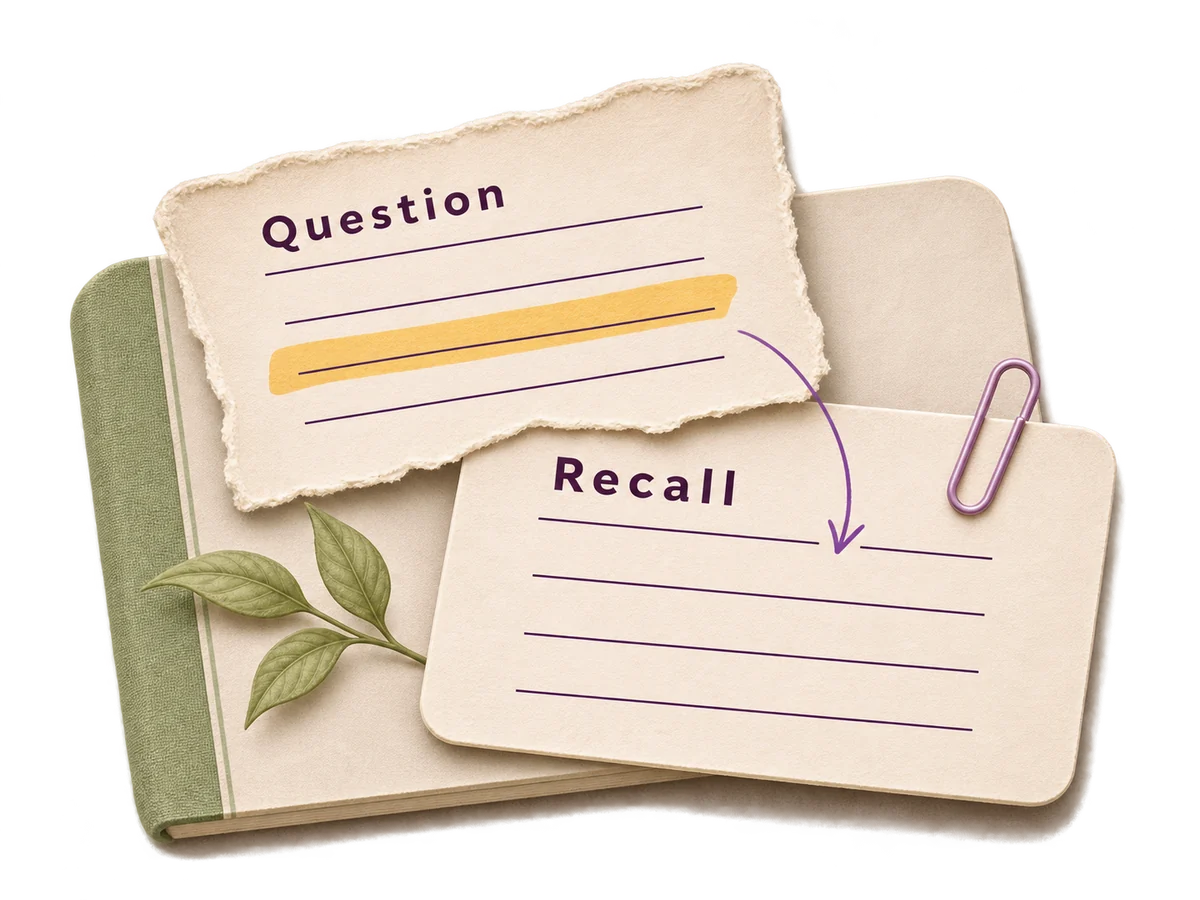
Turn your note into a Cornell-style cue, such as “Why does this passage not establish lasting mastery?”, and attempt an answer before reopening it. If working with an actual video, retain the relevant timestamp too. Then inspect an export and the original together. The useful endpoint is a checked note you can explain, not a large collection of unexamined highlights.
Pricing, free access and plan checks
Glasp lists Free, Pro and Unlimited plans. Current pricing includes public and private highlights and exports in Free; paid plans expand AI usage and PDF upload capacity. Basic new-tab summaries, on-page summaries, PDF chat and page/video chat have different allowances. Unlimited is a plan name, not a promise that every feature has no quota. Check the actual billing period, feature allowance and any separately eligible student access before subscribing.
Confirm billing period, renewal terms, limits and regional availability on the provider’s current plan page before paying.
Questions about Glasp
Are Glasp highlights public by default?
Web-page highlights are public by default, with private controls available on current Free and paid plans. Uploaded-PDF highlights have a separately documented private default. Check the actual material and visibility settings before saving or sharing it.
Is Glasp’s YouTube Summary the same as its web highlighter?
They are related surfaces with different immediate jobs. The highlighter saves passages and notes; the summary extension provides transcript, summary and chat routes, including a new-tab handoff to an AI account and an on-page summary. Allowances and processing can differ.
Can I export Glasp highlights as finished academic references?
Exports can carry reading material and metadata, but you still need to verify the exact source and format the required reference. Inspect the chosen export’s notes, quotation boundaries and locators; this profile does not report a completed export or citation test.
Does private highlighting mean my content is never used for AI?
No. Visibility and processing have different meanings. Glasp’s policy describes contracted AI providers, user-directed handoffs to other AI accounts and its own model-development uses. Read the route-specific terms rather than extending a public-model statement into an all-purpose no-training promise.
Does Glasp PDF chat work identically in every supported browser?
Check the exact add-on and PDF view. YouTube Summary excludes PDF chat in Firefox’s native viewer, whereas the separate PDF Chat page links to Glasp Web Highlighter for Firefox. They are different extensions; we have not tested their behavior.
Sources and research notes
This guide synthesizes official product information with our editorial assessment of academic use. Suggested exercises are examples you can repeat; they are not results of tests we performed. We do not infer accuracy from a provider’s marketing claims.
- Glasp: web highlighting, notes, metadata and export
- Glasp: PDF highlighting, local originals and uploaded-PDF visibility
- Glasp: YouTube Summary routes, transcripts and Firefox PDF exception
- Glasp: plans, private highlights and separate AI allowances
- Glasp: existing-highlight visibility and private-domain controls
- Glasp: questions across highlights and published AI clones
- Glasp: PDF chat, saved conversations and browser descriptions
- Glasp: privacy policy and AI processing flows
- Glasp: terms, AI output and content-use rights
- Glasp Reader: separate reading and upload entry points
Found a changed feature or a factual error? Send the exact page and an official source to info@ai-essay.com. Read our editorial policy for how we handle corrections.