On this page
What SciSpace does
SciSpace is a research platform with literature search, Chat with PDF, saved libraries, writing utilities and multi-step Agent workflows. Its help center explains searching for papers, inspecting them and organizing a review. Those capabilities can help with an academic reading project, but the output should remain a set of leads and provisional notes until you have checked the original research.
Where it fits, and where it falls short
Useful strengths
- Literature discovery and document questions can sit within the same reading workflow.
- A structured comparison of papers can expose differences in method and scope worth investigating.
- Saved sources and notes can support an organized evidence trail when the user checks them.
Limits to consider
- A ranked result list is not proof that a search covered all relevant literature.
- A summary can miss a caveat, table note or important disagreement between studies.
- Agent access, standalone tools and legacy editor subscriptions have different limits and should not be conflated.
A suggested SciSpace workflow

- 1
Write a narrow question and eligibility criteria before launching a literature search.
- 2
Save relevant candidates and record why each belongs in the review.
- 3
Ask focused PDF questions about methods, populations and limitations, then verify answers in the paper.
- 4
Build your own comparison matrix and write the synthesis around agreements, disagreements and evidence gaps.
Start with a research question, not a request for a finished review
A useful literature search starts with what you are trying to explain. For example, replace write a literature review on online learning with a question about first-year undergraduates, asynchronous courses and a defined outcome. Add a time range and decide whether you need empirical studies, reviews or both. These choices make the results easier to judge and the eventual review easier to defend.
SciSpace's literature-review guide describes search filters and saving papers to a library. Use these to create a candidate set, then log inclusion and exclusion decisions yourself. If the assignment requires a systematic review, follow its required databases and protocol rather than treating one platform's search as complete. A convenient discovery interface does not remove the need for transparent coverage.
Supporting documentation: [1]
Ask PDF questions that have checkable answers
Open Chat with PDF and upload a paper from your device or library. SciSpace describes answers linked to specific PDF sections and explanations of highlighted text. Start with a question you can check: which students were included, how was attendance measured, or which limitation did the authors report? Follow the answer's reference into the paper and inspect the surrounding passage. A citation link helps locate evidence; it does not establish that the interpretation is correct.
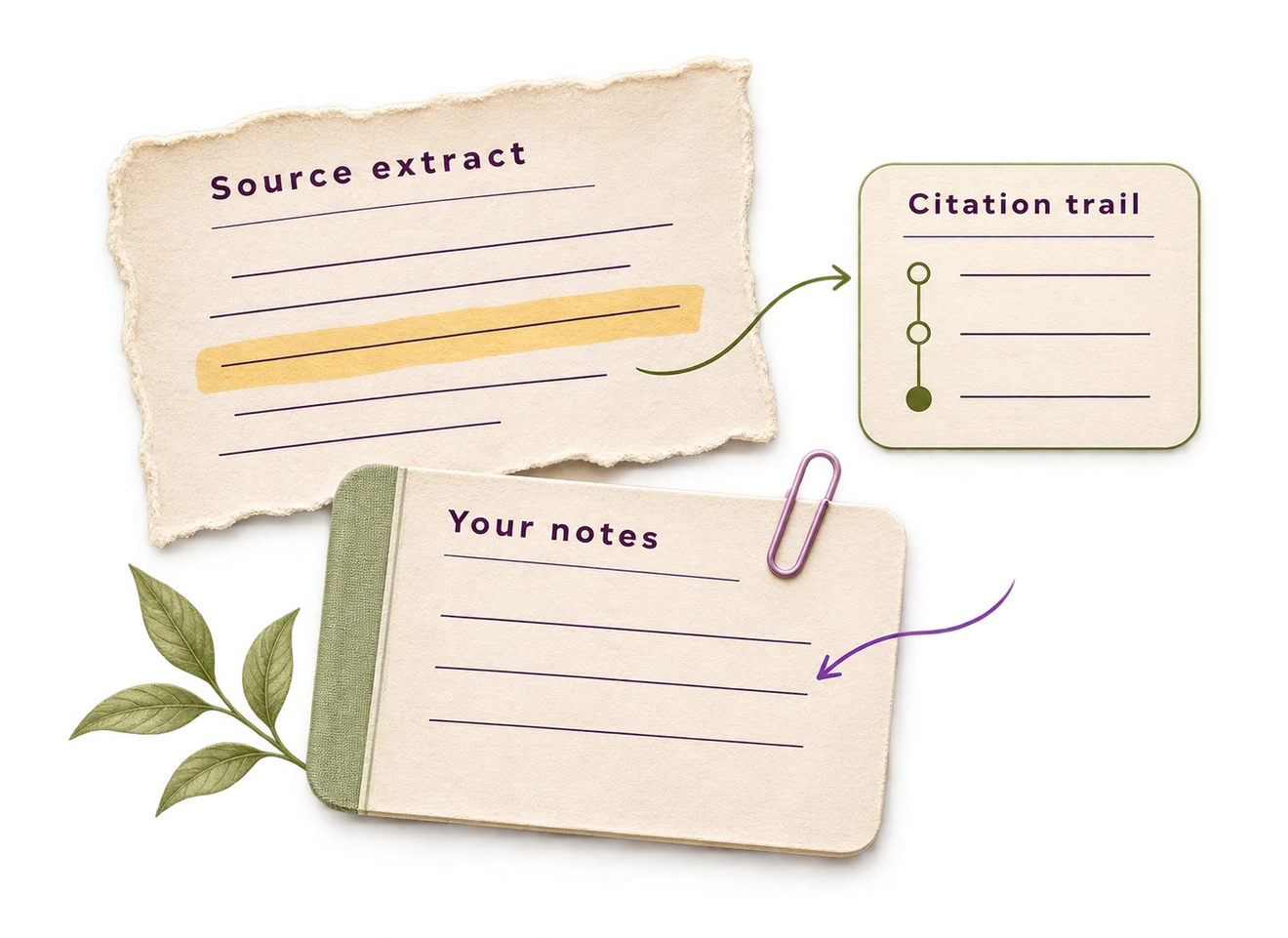
After checking an explanation, save it to Notebook and organize it with the relevant topic. Keep the paper title, DOI or stable link, passage location and your own interpretation beside the note. Distinguish a direct quotation from your paraphrase and from the AI's explanation. That record is more useful when drafting than a detached answer whose source context has been lost.
SciSpace's PDF help article warns that image-based scans require OCR for analysis. Before interpreting an empty or weak answer as a research finding, check that the document text is readable. Figures, supplementary files and complex tables deserve a separate inspection too. The practical goal is to locate and understand evidence, not to replace the original paper with an attractive summary.
A worked scenario: compare conflicting study results
Suppose three papers disagree about whether recorded lectures improve attendance. Make columns for study setting, student group, definition of attendance, comparison and limitations. Use SciSpace to help locate these details, but fill the final matrix only after checking the source. If a field is unreported, write not reported rather than letting the AI supply an estimate.
The disagreement may shrink once the measures are separated: one study might track live attendance and another total participation. Build the review around that distinction. This scenario illustrates a method you can reproduce; it is not a claim that we ran these papers through SciSpace or established the accuracy of its comparison output.
Control the scope of multi-step Agent tasks
Agent workflows can perform multiple operations in response to a broad request. SciSpace's usage guidance distinguishes Agent work from standalone tools and advises narrowing prompts when unintended steps consume capacity. State whether you want a single-paper explanation, an expanded literature search or a comparison of papers you have already selected. Those tasks require different amounts of work.
Review the proposed Agent plan before confirming it, and remove work you did not request. The credit troubleshooting guide points to Settings > Agent Usage for checking consumption. For an initial evaluation, restrict the task to selected papers and one output, then inspect the result and usage before expanding it. This is a suggested evaluation process, not a task we performed in a paid SciSpace account.
Before paying, check which plan the account actually offers and what happens when its allowance is reached. The help page and linked pricing guide give inconsistent descriptions of higher-tier allowances. We therefore avoid presenting a supposedly permanent quota. Track the account's own usage display during a small task before committing a large project to an automated workflow.
Export references and extraction data as separate records
SciSpace's EndNote guide describes selecting paper records in search results and exporting an RIS file. Its Extract Data guide separately lists CSV, Excel and BibTeX downloads. Decide which record you need: bibliographic metadata for your reference manager, or extracted study details for a comparison table. A successful citation import does not establish that the paper's full text, chats and Notebook notes were transferred with it.
Before building a large project, try the handoff with one paper you have checked. For references, inspect the title, authors, DOI and publication details in the destination. For extracted data, inspect column labels, units, missing values and source locations. Preserve corrections and links to the original passage in your own table. The cited guides describe formats, but do not establish current access to every export on every plan; verify the required download in your account before committing the project to it.
When another research tool may fit better
Compare SciSpace with Consensus when your main need is a focused question across published studies. Compare with Elicit when you need a structured extraction workflow, and with a citation-network tool when the goal is following connections between papers. If your sources are already selected and the obstacle is composing a cited argument, an academic writing workspace such as Jenni may address a different part of the job.
Before uploading unpublished or restricted documents, review the current privacy terms and your institution's permissions. For a first evaluation, use open-access material and questions with answers you can locate independently. Keep the prompts and correction notes. That gives you a useful personal comparison without making unsupported claims that any one tool is universally the best literature-review service.
Pricing, free access and plan checks
SciSpace lists free and paid research access. Its credit-help page and linked pricing guide differ on higher-tier allowances: fixed monthly amounts appear alongside unlimited language subject to fair usage. Confirm the live subscription, billing total and Agent allowance in the account. Standalone research tools and legacy Typeset editor plans should not be assumed to share the same subscription limits.
Confirm billing period, renewal terms, limits and regional availability on the provider’s current plan page before paying.
Questions about SciSpace
Can SciSpace write my literature review?
SciSpace documents tools for generating review drafts. A defensible review still requires your search scope, screening decisions, reading and synthesis; a generated draft is not evidence of comprehensive coverage.
Can SciSpace read scanned PDFs?
Its PDF help guidance says image-based scans need OCR. Check text readability and the current upload rules before relying on extracted answers.
Does every SciSpace tool consume Agent credits?
The official usage guidance distinguishes Agent operations from standalone tools. Confirm your account's current allowances, because plan pages and older credit tables can differ.
Can I export SciSpace references and research data?
Official help describes RIS citation export for EndNote and CSV, Excel and BibTeX downloads in Extract Data. These are different records. Check access in your account and test the imported fields; do not assume an export includes PDFs, chat history or all Notebook notes.
Sources and research notes
This guide synthesizes official product information with our editorial assessment of academic use. Suggested exercises are examples you can repeat; they are not results of tests we performed. We do not infer accuracy from a provider’s marketing claims.
- SciSpace literature-review workflow
- SciSpace Chat with PDF guide and upload troubleshooting
- SciSpace research plans and pricing
- SciSpace Agent usage and credit troubleshooting
- Separate legacy SciSpace editor plans
- SciSpace Chat with PDF: citations and highlighted text
- SciSpace extracting and exporting research data
- SciSpace RIS citation export for EndNote
- SciSpace Agent credit and pricing guide
Found a changed feature or a factual error? Send the exact page and an official source to info@ai-essay.com. Read our editorial policy for how we handle corrections.