 AI Essay
On this page
Free browser practice tool
Build a question deck and rehearse aloud
Use your actual assessment criteria to shape a question bank. Practise speaking away from the screen, then record a short reflection—not a transcript or an automated score.
1. Build your practice deck
Add questions from the rubric or instructions for your assessment. The starter stems are generic practice prompts, not predictions.
No questions added yet.
2. Practise one question
Choose a question, then start your spoken response when you are ready.
Your practice log
No rounds recorded.
This tool does not save or upload your work, record audio, score answers, assess readiness or predict an outcome. Follow your assessment’s own rules and accommodations.
Build and practise your own oral assessment questions
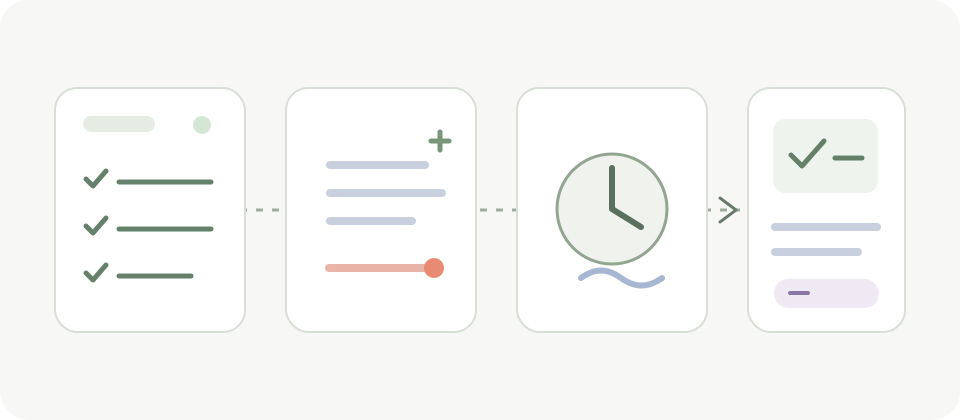
Use the practice deck to write questions from your actual task instructions, learning outcomes or rubric. You can add a few general question stems, but they are starting points for rehearsal, not predictions of what an examiner will ask. Choose a question, plan privately, answer aloud, then record a short self-review and a specific next practice step.
The timer measures elapsed time only. It does not request microphone access, listen to a response or judge delivery. The log stays in the current tab until you download it; do not enter confidential research, identifiable student information or material your course rules say not to share.
Start with the actual assessment format and criteria
Before writing practice questions, confirm whether you are preparing for an oral exam, thesis viva, assessed presentation with questions, simulation or another format. Read the instructions and marking criteria. A viva or presentation may assess different knowledge and communication tasks; generic prompts cannot replace local instructions.
Monash recommends checking the assessment instructions and rubric, aligning revision with the criteria, and practising responses aloud. Carnegie Mellon’s Eberly Center recommends clear criteria and opportunities to practise oral questions. Use those principles to adapt the question stems below to your course. Neither source suggests that a practice tool can predict your examiner’s questions.
Rehearse a reasoned answer, not a memorized script
For each question, try a short spoken response that answers the prompt, gives a reason or example, and names an important qualification when one matters. For research questions, point to the source, method, result or limitation that supports your explanation. If you do not know, note what you would need to check instead of inventing an answer.
After speaking, use the self-review fields to record what you covered, which evidence you used, what remains uncertain and what to practise next. This is your reflection against the criteria you selected, not a grade, speech analysis or measured assessment of readiness. Oxford’s viva workshop suggests practising varied question types; adapt them to your discipline and research.
Supporting reading: [3]
Keep the practice log under your control
The tool holds questions and brief practice notes in page memory only. Download a JSON copy when you want a record, then import that file later to resume in another session. The import preview shows what will replace the current tab before you apply it. Reloading or closing the tab clears the working session. The tool does not save to an account, upload answers, record audio or provide automated feedback.
For a partner rehearsal, share only the question deck and information permitted by your course. You can ask a practice partner for feedback, but distinguish their observation from a rubric decision or an examiner’s view. If audio or video practice is useful, use a recording method you trust and review its privacy settings separately; this page never starts a recording.
Questions about this topic
Does this tool generate likely viva or exam questions?
No. It offers editable general question stems and a place to write questions from your own assessment instructions, research and rubric. It cannot predict what an examiner will ask.
Does the tool record or analyse my spoken answer?
No. The timer measures elapsed time only. There is no microphone permission, audio recording, transcription, speech analysis or automated answer score.
Can I use this for a presentation Q&A?
Yes. Add questions related to your presentation claim, evidence, method, limitations and audience. Check whether your assessment criteria include question handling and adapt the prompts accordingly.
Are my notes saved?
No. Questions and practice notes remain in the open browser tab and are cleared when you reload or close it. Download the JSON log to keep a copy, then import it into a later session if you want to resume. Review the import summary before replacing an open session.
Will practising improve my result?
The tool makes a practice and reflection workflow available; it does not measure learning gains or predict marks. Follow your course instructions, use its criteria and seek feedback from an appropriate person when available.
Sources and editorial notes
The supporting reading below informs our editorial guidance. Exercises and scenarios illustrate a method; they do not report a completed product test or measured learning outcome. Read our editorial policy or send a correction with a supporting source to info@ai-essay.com.